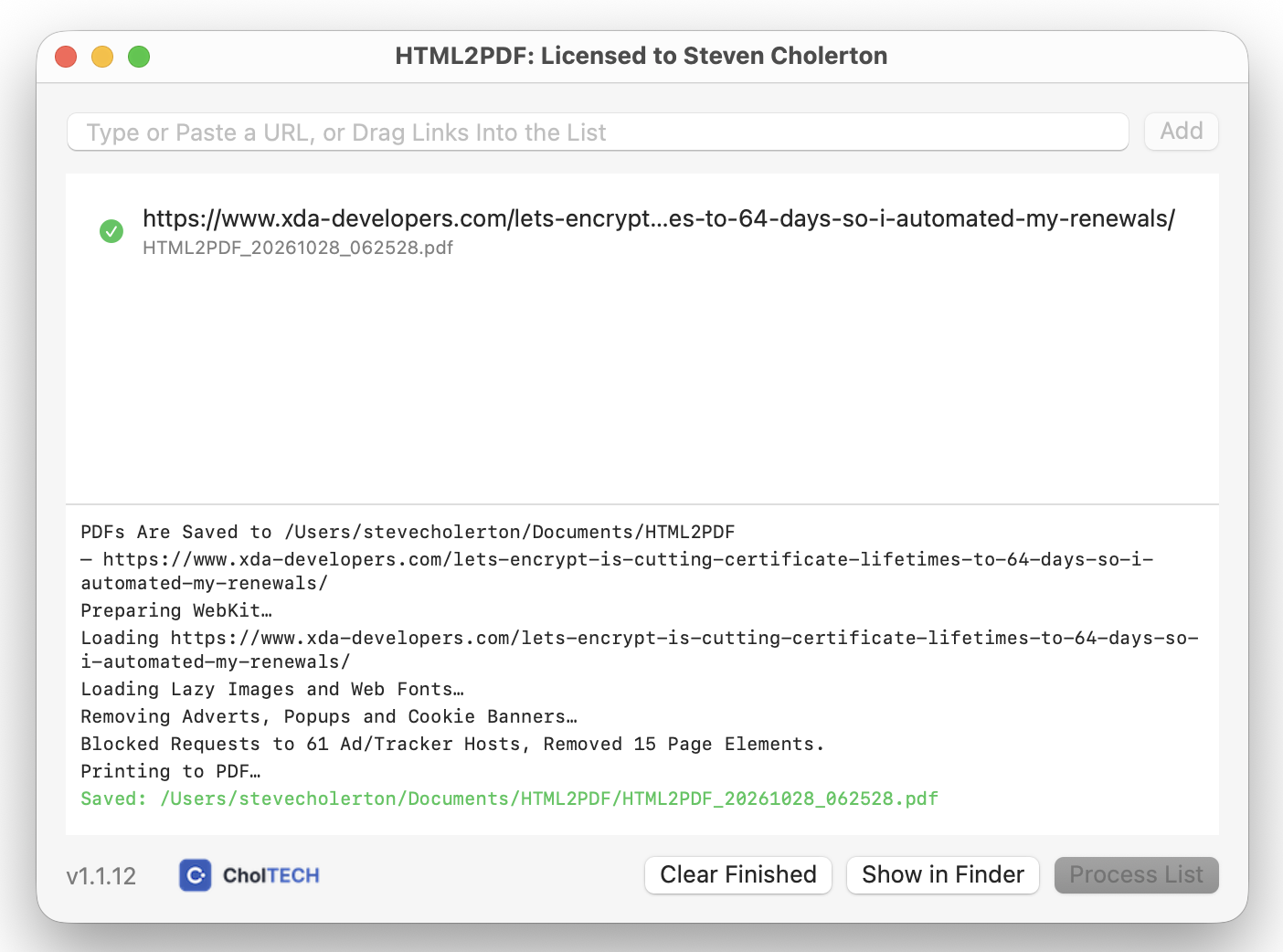
HTML2PDF was initially created in Python which allowed a single webpage to be entered and from that it would generate a pdf with the correct fonts and images but without the adverts, popups, floating banners and buttons. This works great so I decided to create this instead as a native app for macOS and then port it to Windows.
You build a list of webpages to process using the Add button or by dragging and dropping, and then press the Process List button to convert the webpages to PDF.
I enjoyed creating this, a small (< 1Mb on macOS), simple utility app that I use daily :-)
For macOS:
After download, double click the DMG file and drag HTML2PDF into your Applications folder
For Windows:
After download, extract the HTML2PDF folder from the zip file and drag it to your desired location. Open the folder and find HTML2PDF.exe. Pin this file to your Start Menu or Taskbar.
Licensing
After running the application HTML2PDF will state ‘Trial License’ in the window title. To remove this window title and the banner at the footer of the window, get a free license at this link: https://licenses.choltech.com/, which after selecting the application you require a license for, will ask for your name and email address. When you submit this form you will shortly receive a licence file via email.
On macOS drag this .lic file into this folder:
~/Library/Application Support/HTML2PDF/ and restart HTML2PDF.
On Windows drag this .lic file into this folder:
C:\Users\<yourhomefolder>\AppData\Roaming\HTML2PDF\ and restart HTML2PDF.