I read a lot and I also like to archive information, my memory is not what it once was 😕. The problem I have is that most of the information I need is available as a web page, complete with adverts, popups, floating banners and buttons etc. which makes it next to impossible to print the text and worthless for archiving.
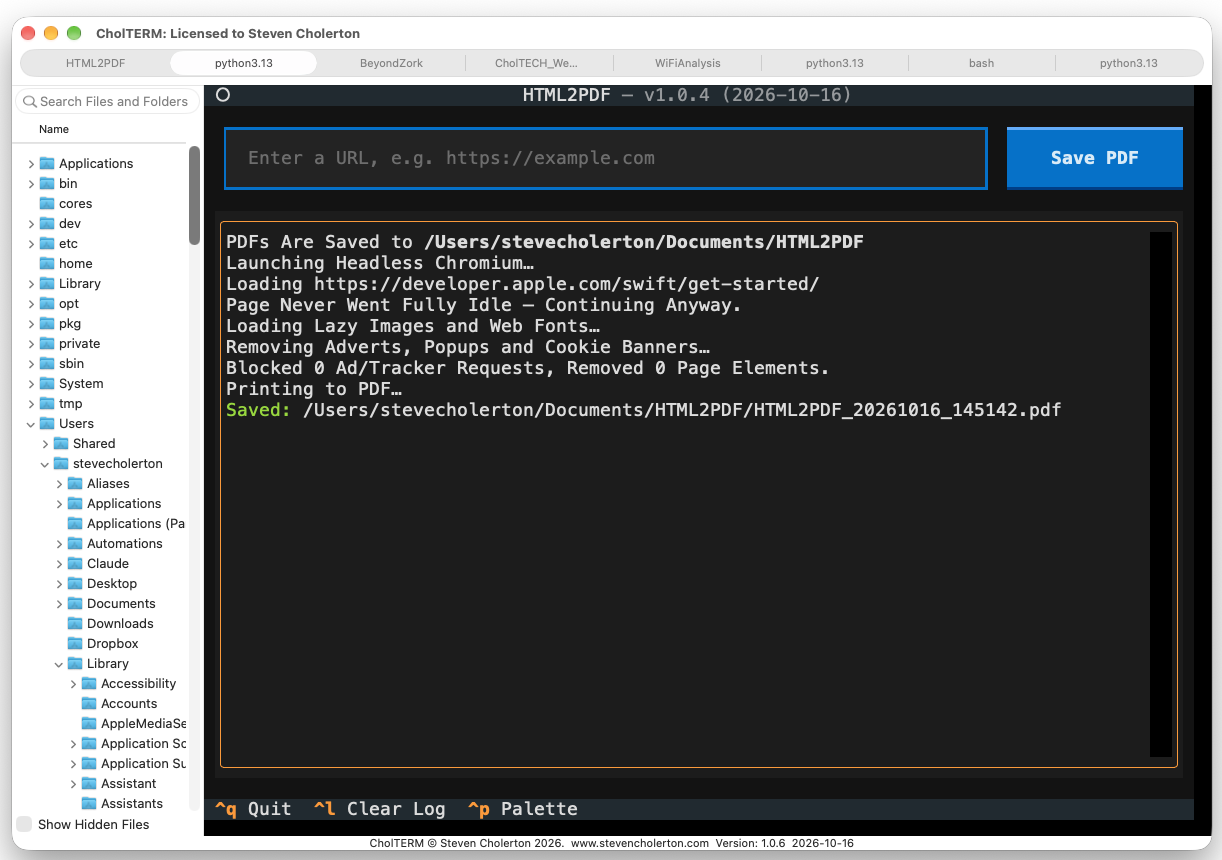
HTML2PDF was initially created in Python which allowed a single webpage to be entered and from that it would generate a pdf with the correct fonts and images but without the adverts, popups, floating banners and buttons. This works great so I decided to create this instead as a native app for macOS and then port it to Windows.
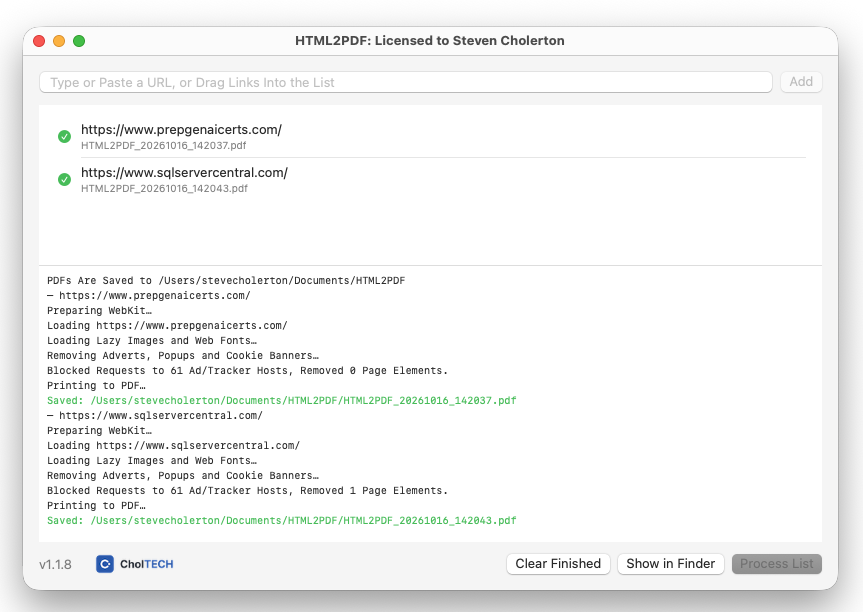
You can see the images below of the Python version followed by the macOS version, which I enhanced to permit a whole list of pages to be downloaded and converted in one go. It works great.
During testing I discovered that pages with 'scroll-reveal' would come out blank, so I've now made those changes as well.
I will continue testing with all types of pages and once satisfied I will create a Windows port and release it on my website at choltech.com.
I enjoyed this process, a small (< 1Mb on macOS), simple utility app that I will use daily :-)