There are many reasons you may want to purchase OpenAI API credits, not least of which is the fact that using the OpenAI API in automated workflows is simple, reliable and private. If you are pulling data from the corporate database, manipulating it with AI and emailing the results to an email distribution list (for example) then it's a great choice.
In addition if you were to use it a few times a week through a chat interface it would work out far less expensive than having a commercial plan (necessary for the privacy guarantees) for ChatGPT or similar. It's fair to say however if you are a heavy user of chat-based AI then it would of course be cheaper to pay the subscription costs because API credits are more expensive than a subscription plan. You pays your money and takes your choice :-)
Setting up an OpenAI API account and purchasing credits is straightforward, if not immediately intuitive.
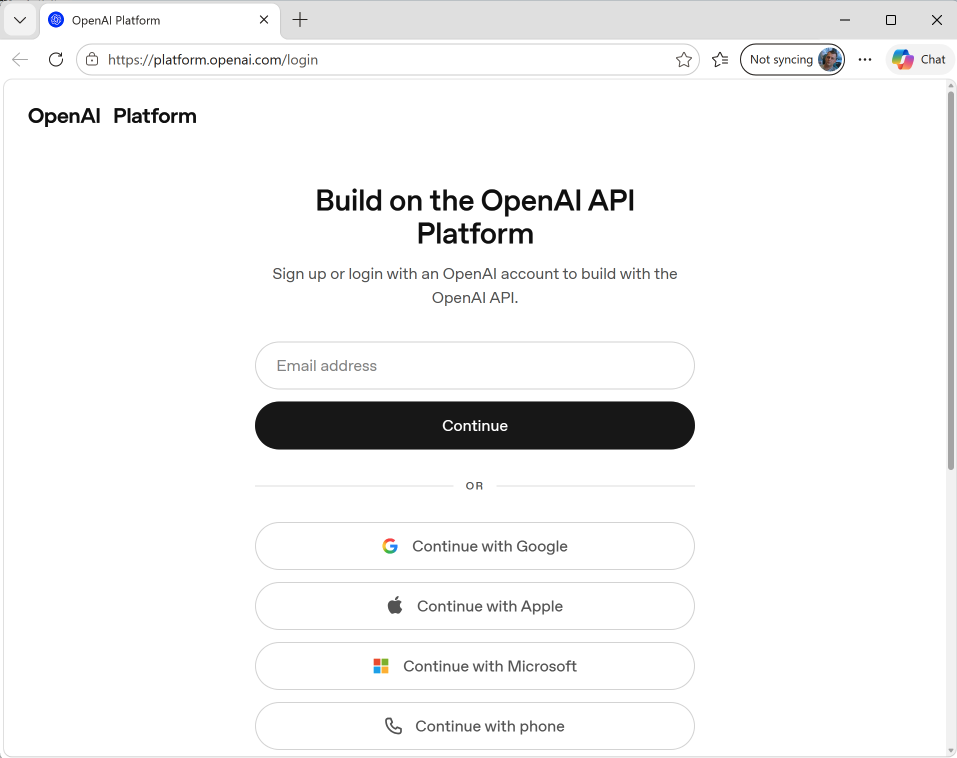
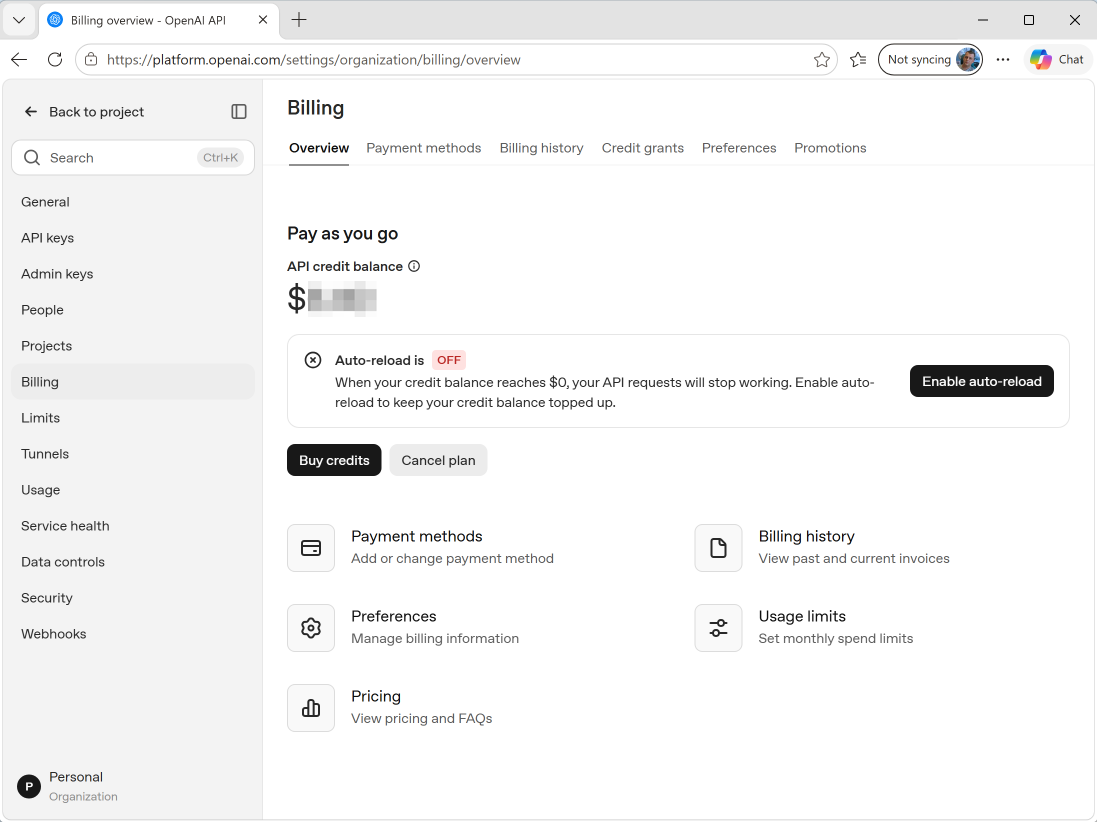
Following the images below will help. You can see the webpages and their URLs.
- The first image shows logging in or setting up an OpenAI account.
- The second image shows where you add credits.
- The third image shows how you set up your API key(s).
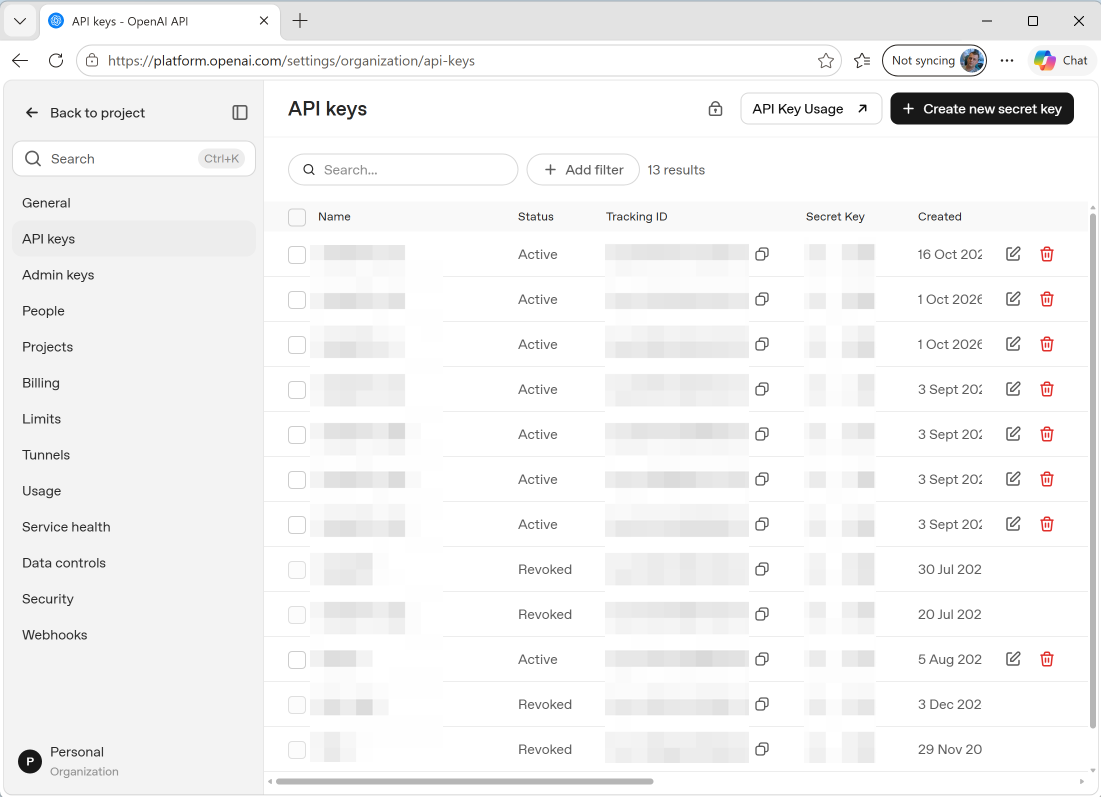
There doesn't seem to be a practical limit to how many API keys you can have against your account, and if you are using the API for different jobs, or departments, it makes sense to setup multiple keys so that usage can be tracked by job or department.
You have total control of your expenditure, and I recommend keeping the 'Auto Reload' option off. You can set up reminders to help you with purchasing additional credits before they run out.
At the time of writing (2026/10/22) I'd recommend the gpt-6.1-sol model as the best bang for your buck. I'm getting excellent results with it, using the default reasoning effort of 'Medium'.